2 min read
Employer Guide: Monthly Hours Submissions
Welcome to heyclock! We are so excited that you will be joining us. Let’s get started.
Monthly timesheet submissions
At the end of each month we automatically package all employees’ hours in a submission, which they review before they send it off to admins.
-
Submission
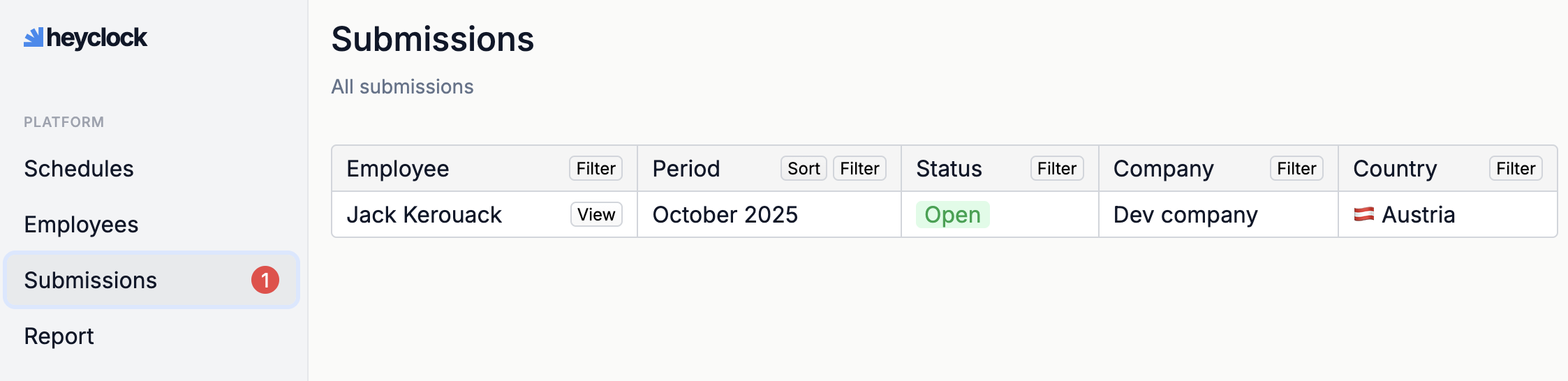
Once someone submits their hours, you will find it in the Submissions menu.
-
Review the submission.
You need to review the submission and either approve it or ask for changes, if needed.
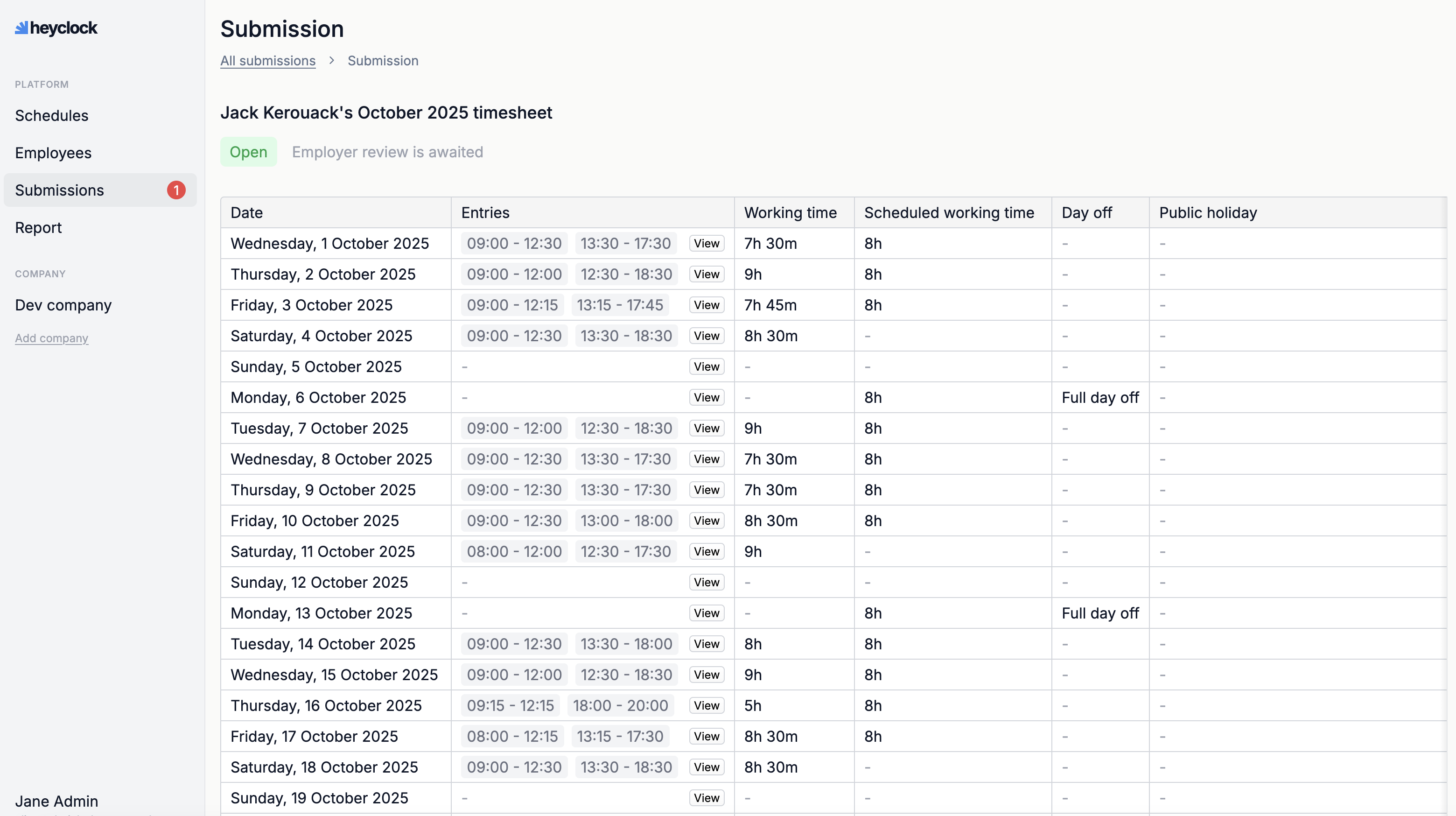
You open and view each submission separately.
At the bottom of the page you can find action buttons and a comment option.
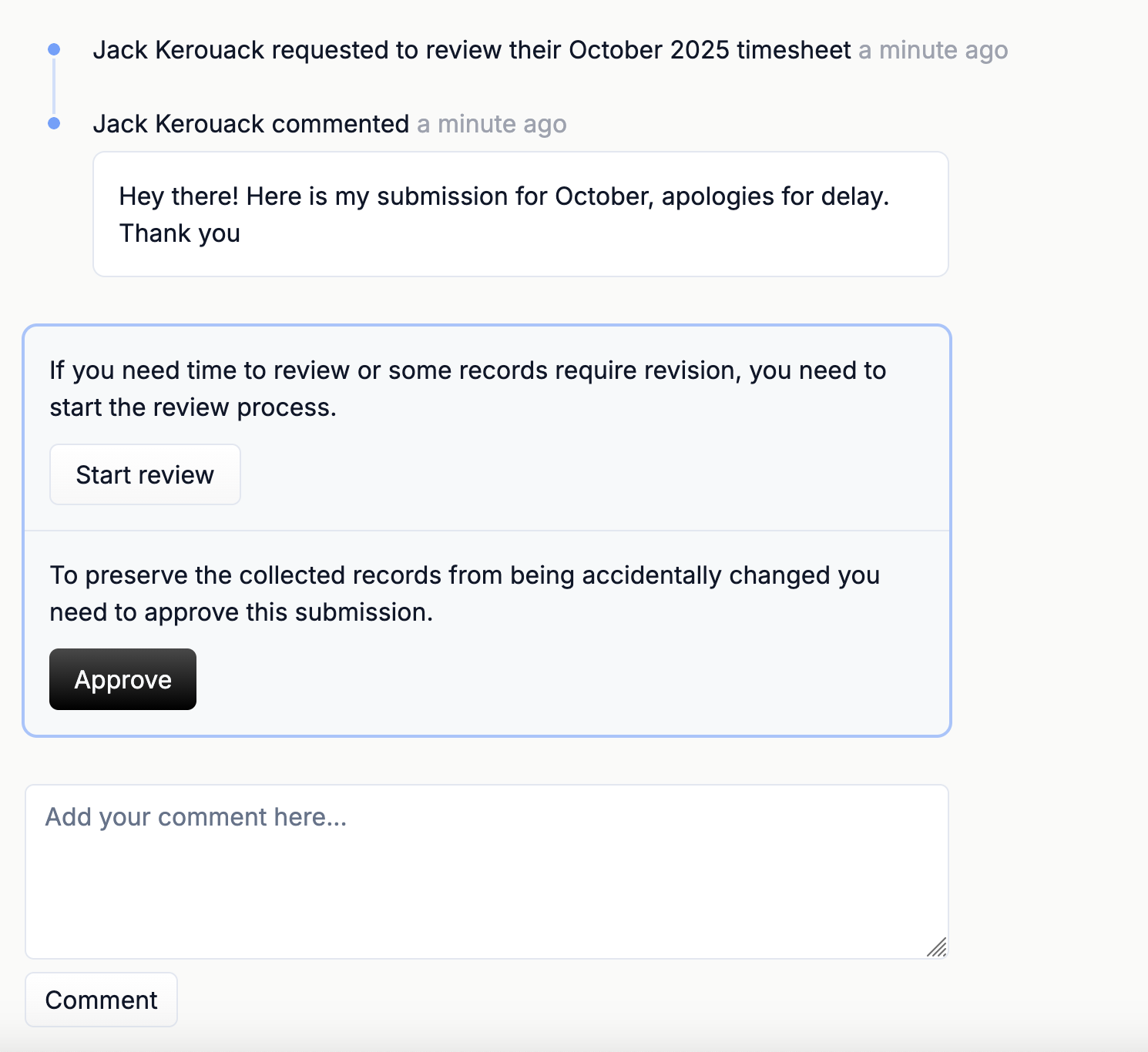
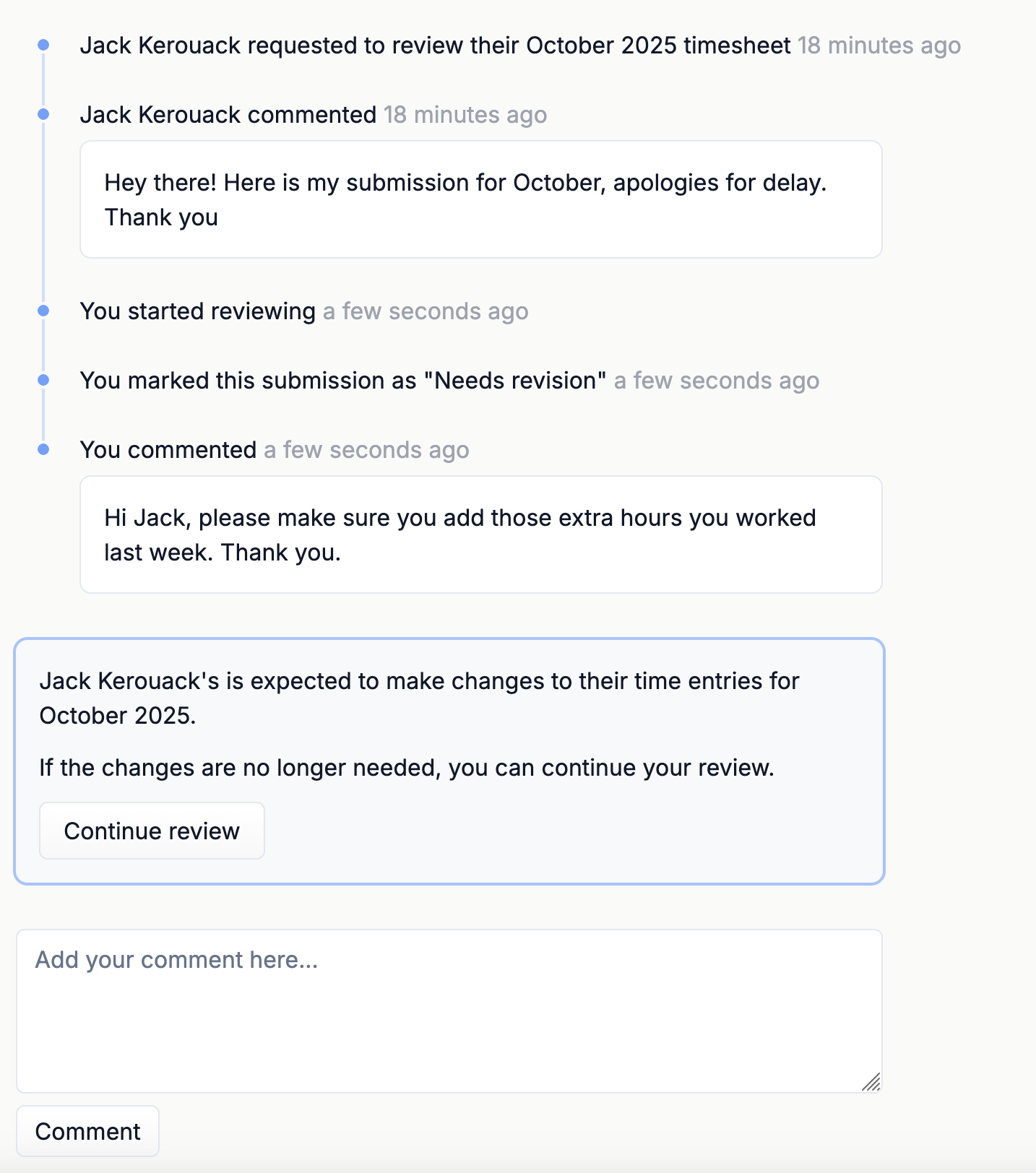
If you decide submission needs further revision from the employee, let them know by pressing “Start review”, followed by “Needs revision”. Feel free to add a comment to streamline the process of revision. You can communicate under submission like in a chat. Any changes to the submission will be reflected in the timeline.
-
Approve submission
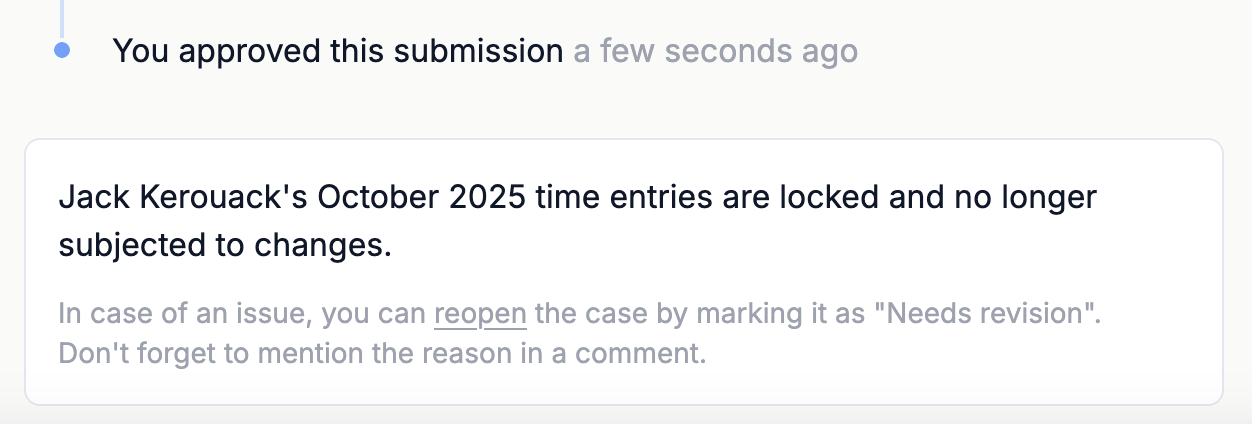
Once you are satisfied with the submission you can approve it, and it officially locks. The employee cannot modify the time for that month in their timesheets, neither they can manipulate with the submission anymore. These are the records that are stored for compliance purposes for the time period defined by your labour law. You can access them any time when they are needed.
Get compliance handled
Start your free 60-day trial and get your first compliance report sent straight to your inbox.