1 min read
Employee: Monthly Timesheet Submission
Welcome to heyclock! We are so excited that you will be joining us. Let’s get started.
Monthly timesheet submission
At the end of each month we automatically package all your hours in a submission, which you need to review before you send it off to your manager. Hours in the submission are editable, so no worries in case you forgot to record something.
-
Submission
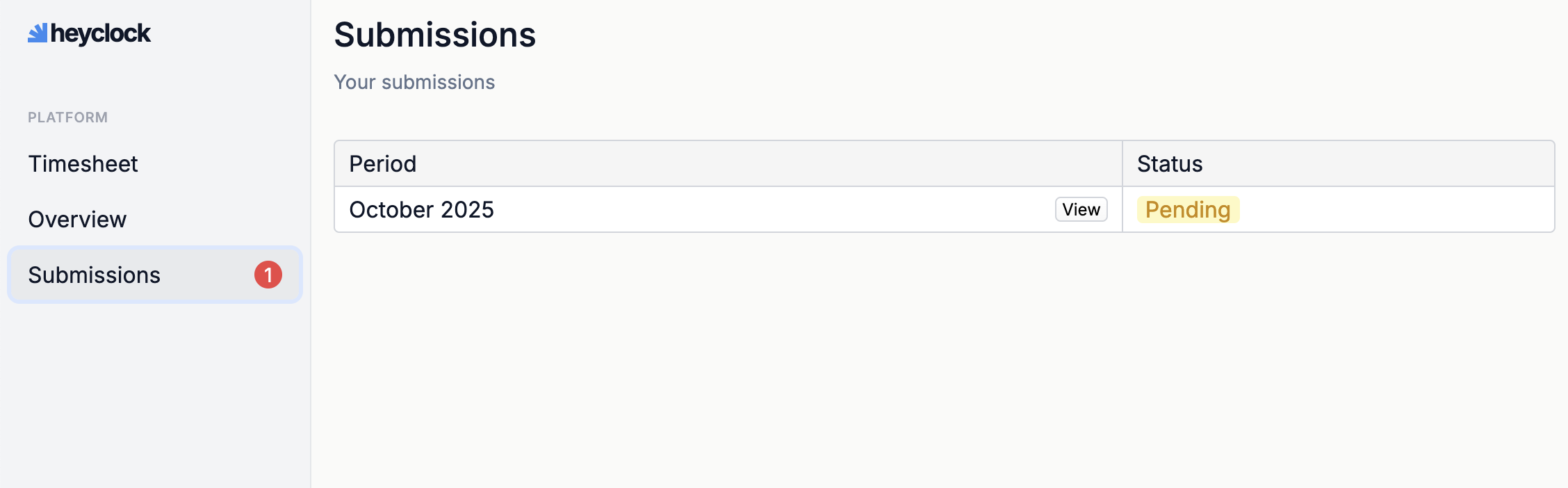
You will find your submissions prepared for you at the end of each month in the Submissions menu.
-
Review/Edit hours
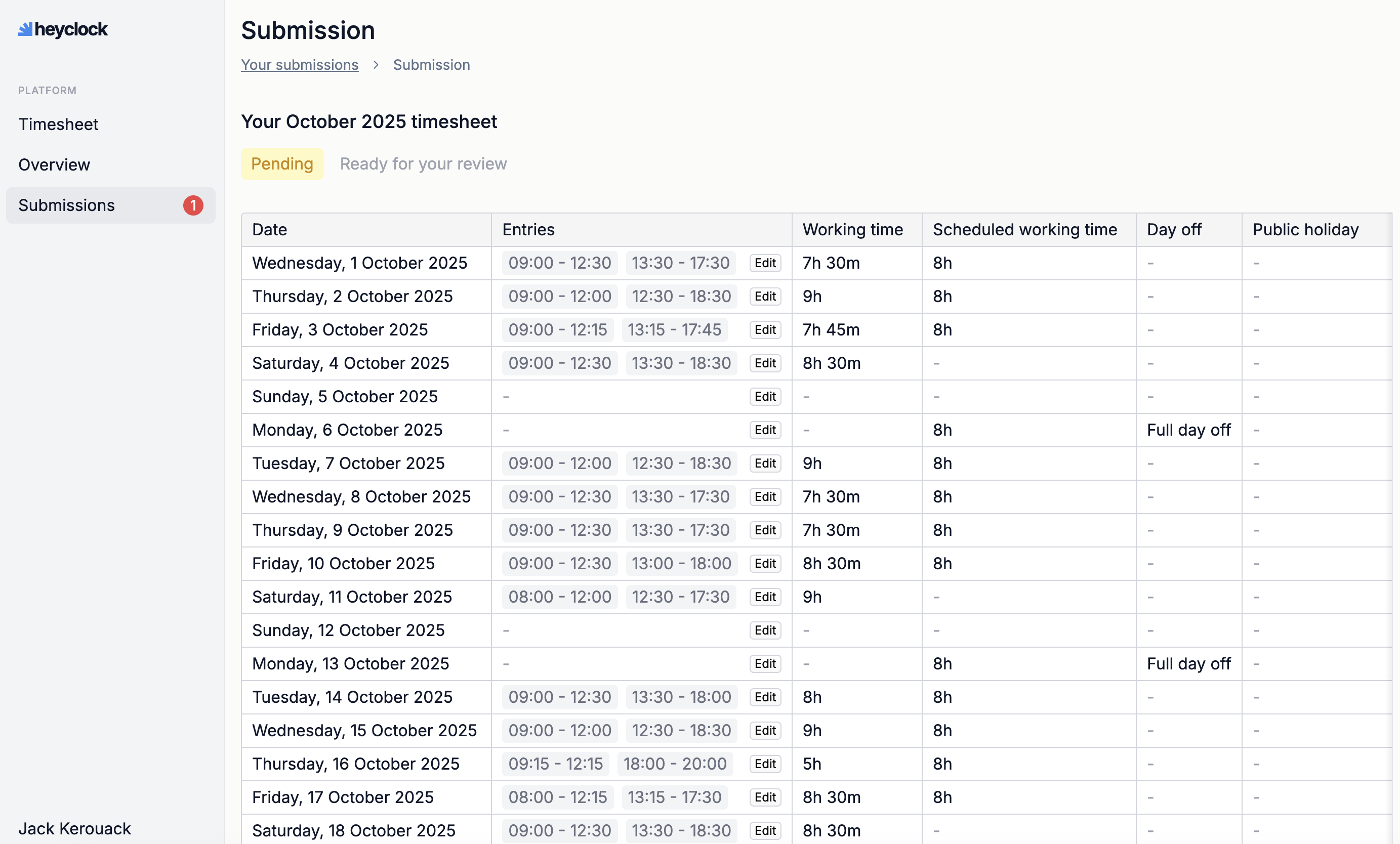
You can review and edit your time entries in case something does not match.
-
Submit your hours
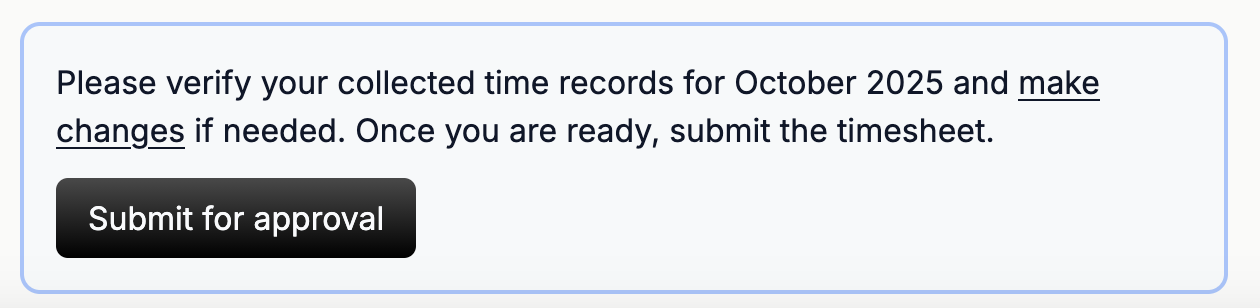
Once you are done, scroll to the bottom of the page and press submit. Make sure you reviewed everything properly before submitting.
-
Comment on submission.
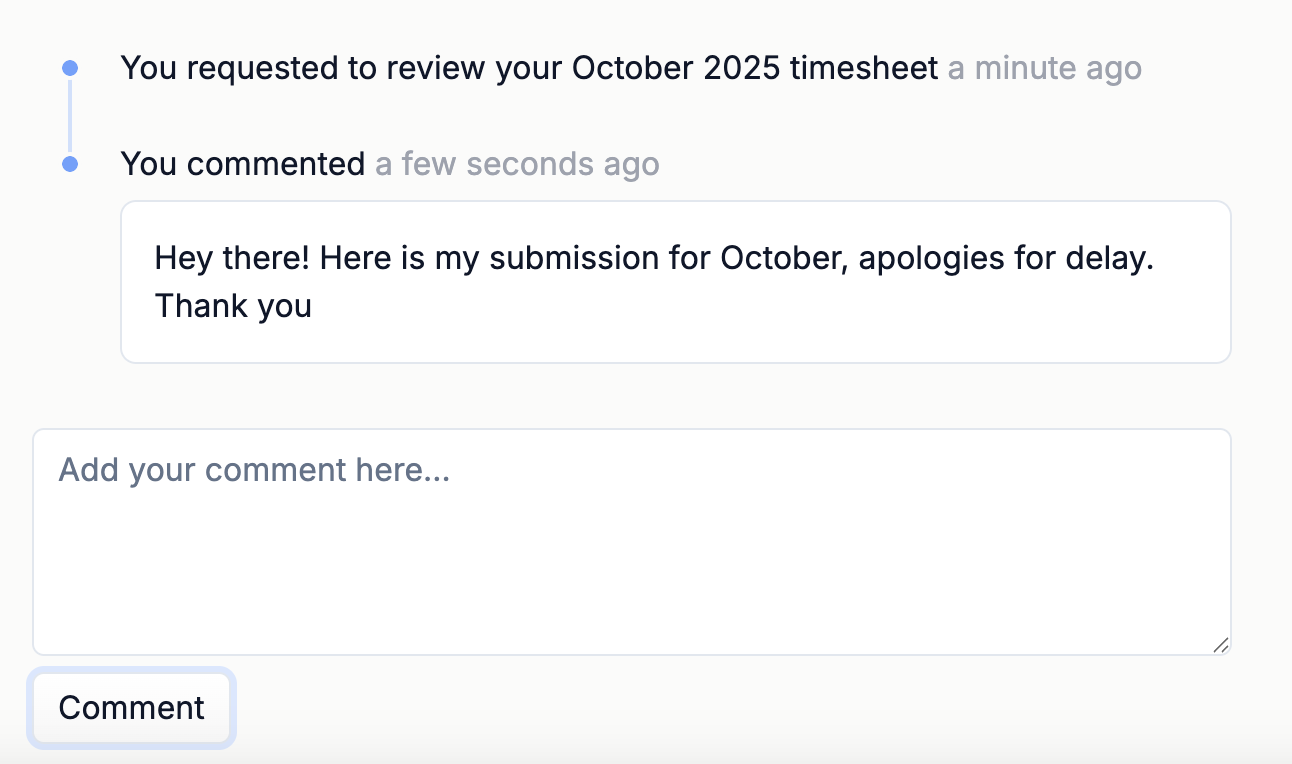
You can not edit your entries anymore, but you can comment on the submissions process, and receive feedback in the same place.
Get compliance handled
Start your free 60-day trial and get your first compliance report sent straight to your inbox.